Eight things to set up before you hand over your child's first phone
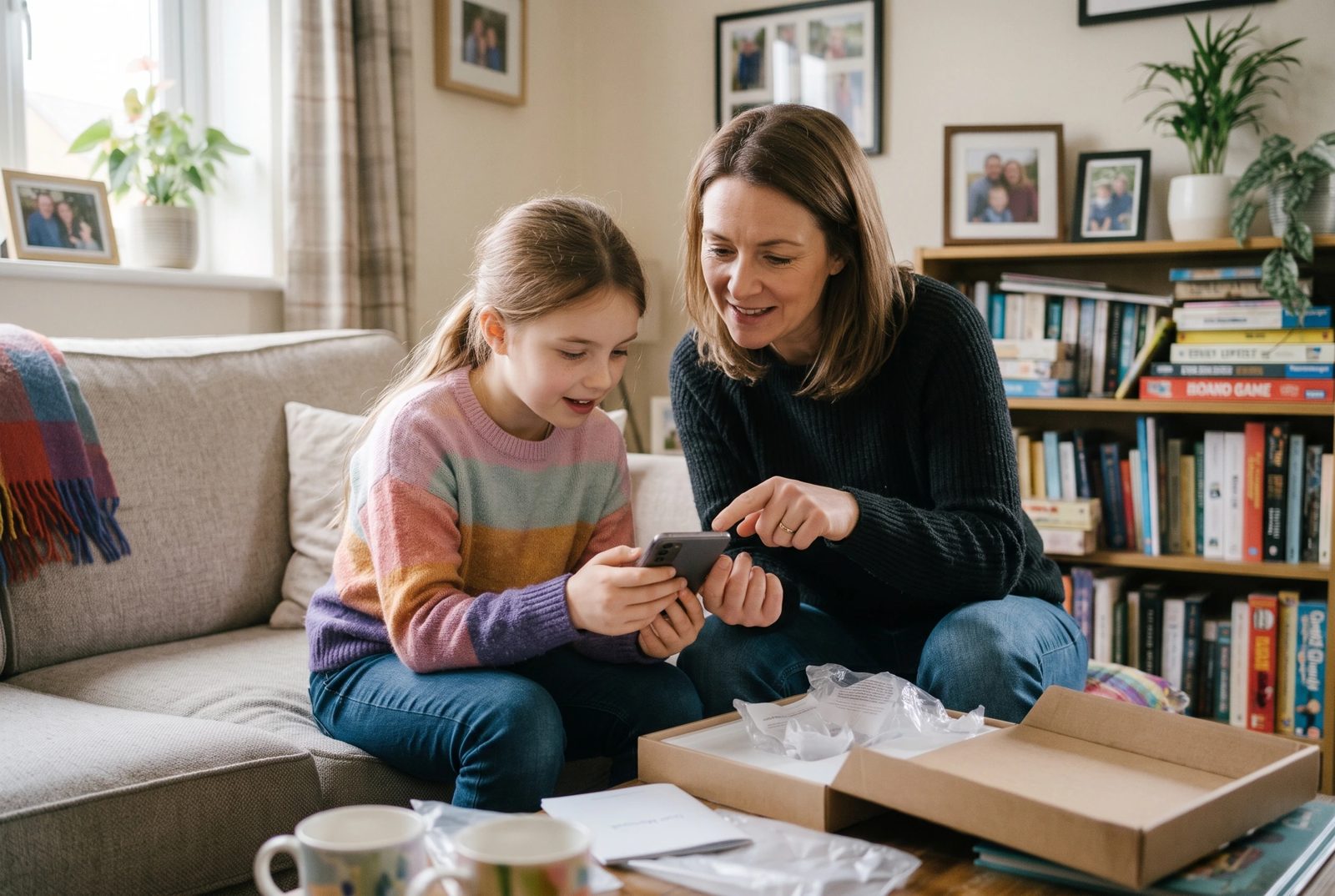
The day your child gets their first phone or tablet is exciting for everyone. It's also the day the habits start, and settings that would take two minutes now are much harder to add once the device is theirs.
I learned this the hard way. With my own kids, I tried locks first: time limits, app blockers, a passcode I was sure nobody knew. They worked for about a week. So here's what I'd do before the handover now, whether or not you ever use our app.
1. Give them their own account
Set up a child account with their real age, not yours. Keep your passwords and parent codes to yourself.
Why: an adult account opens up purchases, messages and settings that a child account keeps closed.
2. Turn on purchase approval
In Apple's Screen Time or Google Family Link, require your OK for downloads and in-app purchases. Remove any saved cards.
Why: "free" games still sell things, and the card on file is yours.
3. Set the content filters
Use the same built-in tools for age ratings, web filters and who can contact your child.
Why: rules about time and rules about what's suitable are different jobs. Set both.
4. Agree how screen time works
Decide together how much screen time is fine on a school day and on a weekend, and which apps count. Games, videos and social media usually do. School apps, maps and calls with family usually don't.
Why: a rule agreed in advance leaves much less to argue about later.
5. Pick a charging spot
Somewhere outside the bedroom, if you can. Agree the bedtime now, too.
Why: it's easiest to protect sleep when the device isn't within reach.
6. Make the help promise
Say it out loud: "You can always tell me if something goes wrong online. You won't lose your device for telling me."
Why: children hide problems they think will cost them.
7. Test it together
Try a purchase request, and check the bedtime and the content settings on the real device.
Why: a setting can look right and still not work.
8. Set a review date
One week after the handover. Put it on the calendar.
Why: your first version is a starting point. The review is where you fix what isn't working, together.
Want the full plan?
These eight steps are page 3 of The First Device Agreement, my free 14-page guide. It also covers what to say when "five more minutes" turns into an argument, and a printable family agreement to fill in together. Get the free guide.
— Mark
Try it with your family
BuckTime! gives your child a daily allowance and lets screen time spend it. Whatever they don't spend, they keep. Free to download.
Get the app