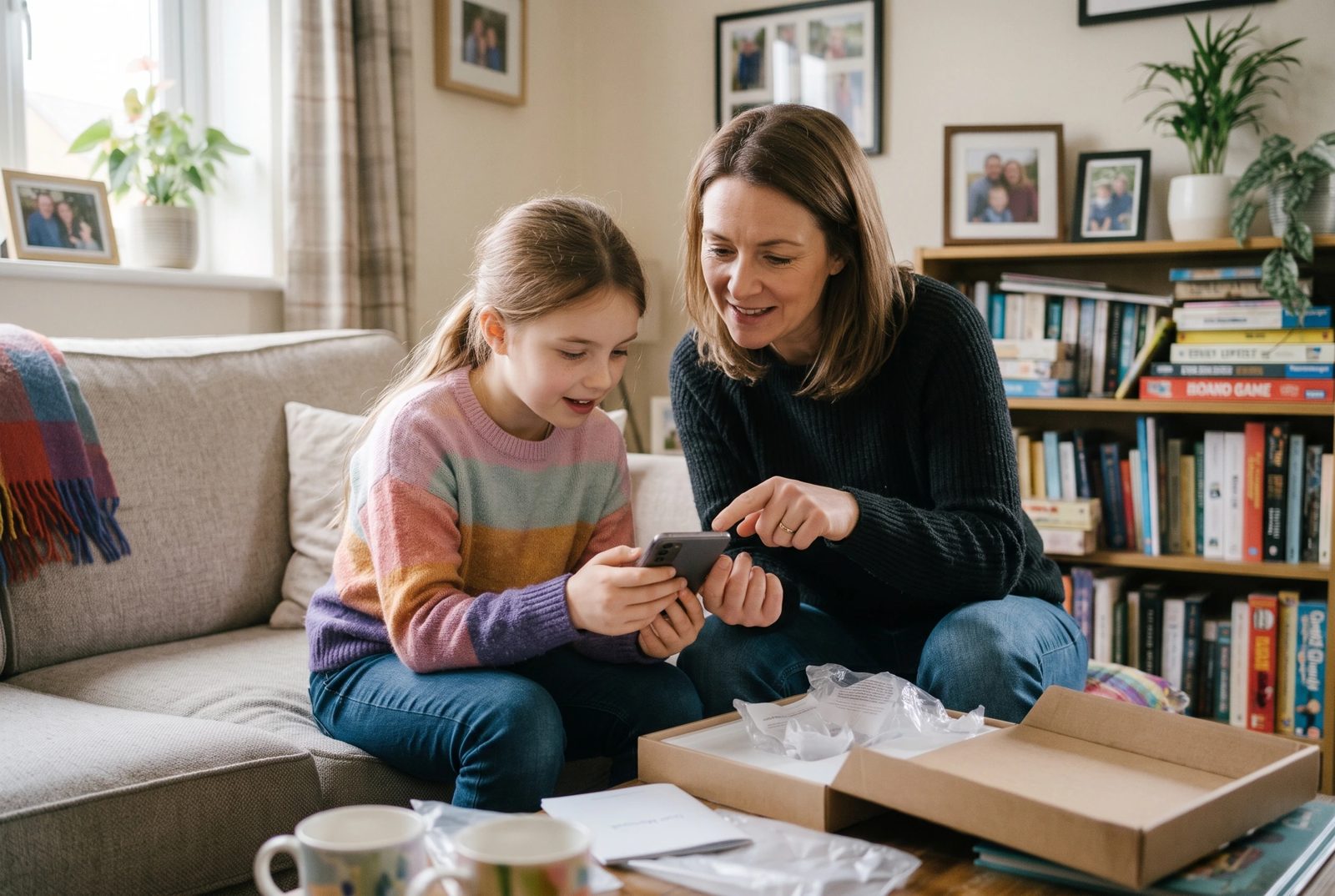
Why I stopped locking my kids' screens and started paying them instead
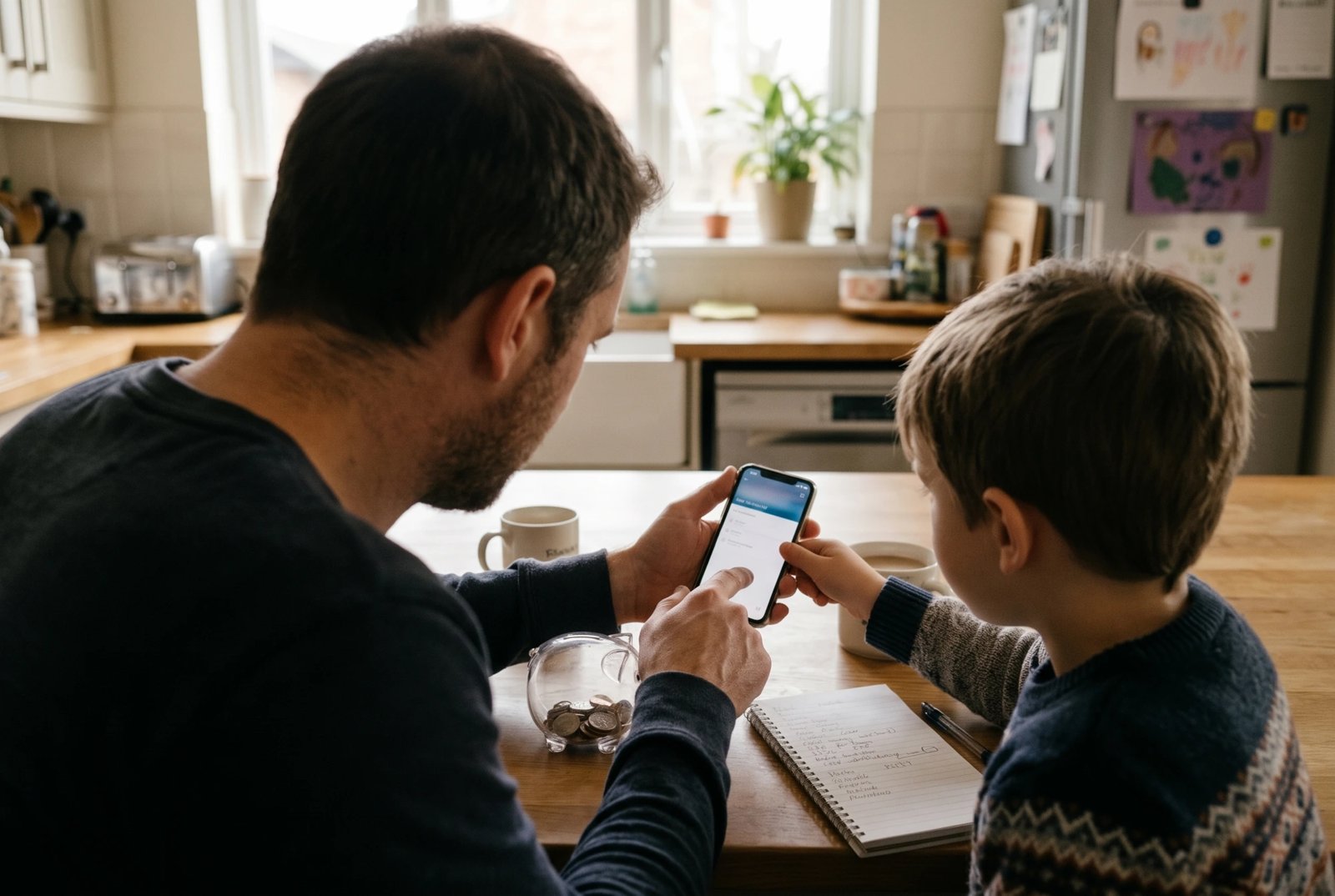
I'm a dad, and like most parents I started with locks.
With my own kids, I tried the usual time limits and locks. They didn't last, and every evening ended in the same argument.
The problem with locks
A lock stops a screen. It doesn't teach a decision.
When the timer runs out, the only thing left to talk about is the timer. "Five more minutes" turns into ten, then into a negotiation, and I was the referee every single night. My kids weren't learning to manage their time. They were learning to manage me.
What I tried instead
So I built something different: a daily allowance that screen time spends.
Here's how it works in our house, and in BuckTime!:
- Each day, your child gets an allowance you agree on together.
- Time on the apps you choose, like games, videos and social media, spends it at a price you set in advance.
- Nothing is blocked. Your child can always open their apps. They just see what it costs, and decide.
- Whatever they don't spend on screens, they keep.
You pay them yourself, in cash or by e-Transfer from your own bank. There's no bank linking.
Why it works
The choice stays with your child, and the money makes the choice matter.
When an hour of videos has a price, it stops being a fight about rules and becomes a question your child answers: is this worth it to me today? Some days the answer is yes, and that's fine. Other days they'd rather keep the money.
Along the way, they're learning real money skills: earning, saving, choosing, and seeing that time and money are both things you only get to spend once.
Giving some of it away
I wanted my kids to see that money can do good, too. So BuckTime! includes Dough'Nate: children can turn some of what they've kept into a real donation to a registered Canadian charity they care about. You can see the charities here.
Try it with your family
If the nightly screen time argument sounds familiar, you don't need another lock. You need a price, agreed in advance, and a child who gets to decide.
If you're about to hand over a first phone or tablet, start with the eight things I'd set up before the handover.
— Mark
Try it with your family
BuckTime! gives your child a daily allowance and lets screen time spend it. Whatever they don't spend, they keep. Free to download.
Get the app