A simple screen time plan for the holidays

The holidays mean no school, long days, family visits, and for many children, a new phone, tablet or console. It's the time of year screen time grows fastest, and the habits set in two weeks off can last well into January.
You don't need a strict plan. You need a simple one you can agree on before the break starts.
1. Agree the holiday rules in advance
Holidays aren't school days, so the school-day rule won't fit. Decide together how much free screen time is fine on a holiday day. Write it down. A rule agreed before the break is much easier to keep than one made up mid-argument.
2. Plan the screen-free times, not the screen times
It's easier to protect a few times than to police the whole day. Pick two or three: meals, the first hour of the morning, family outings. Everything else is flexible.
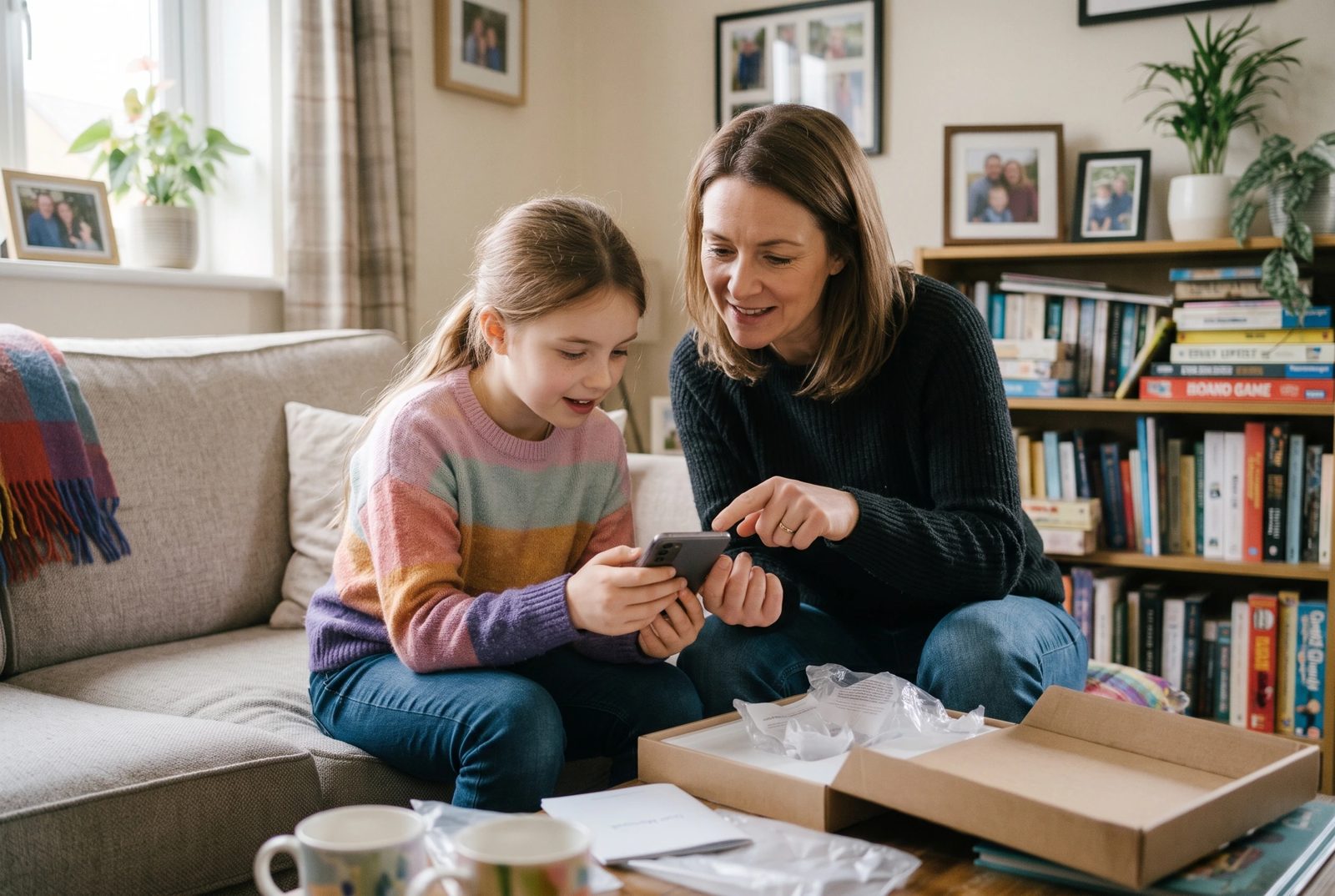
3. Set up new devices before they're opened
If a new phone or tablet is under the tree, set it up first: a child account, purchase approval, content settings and a charging spot outside the bedroom. Our free First Device Agreement walks you through eight steps. Get the free guide
4. Give your child something to aim for
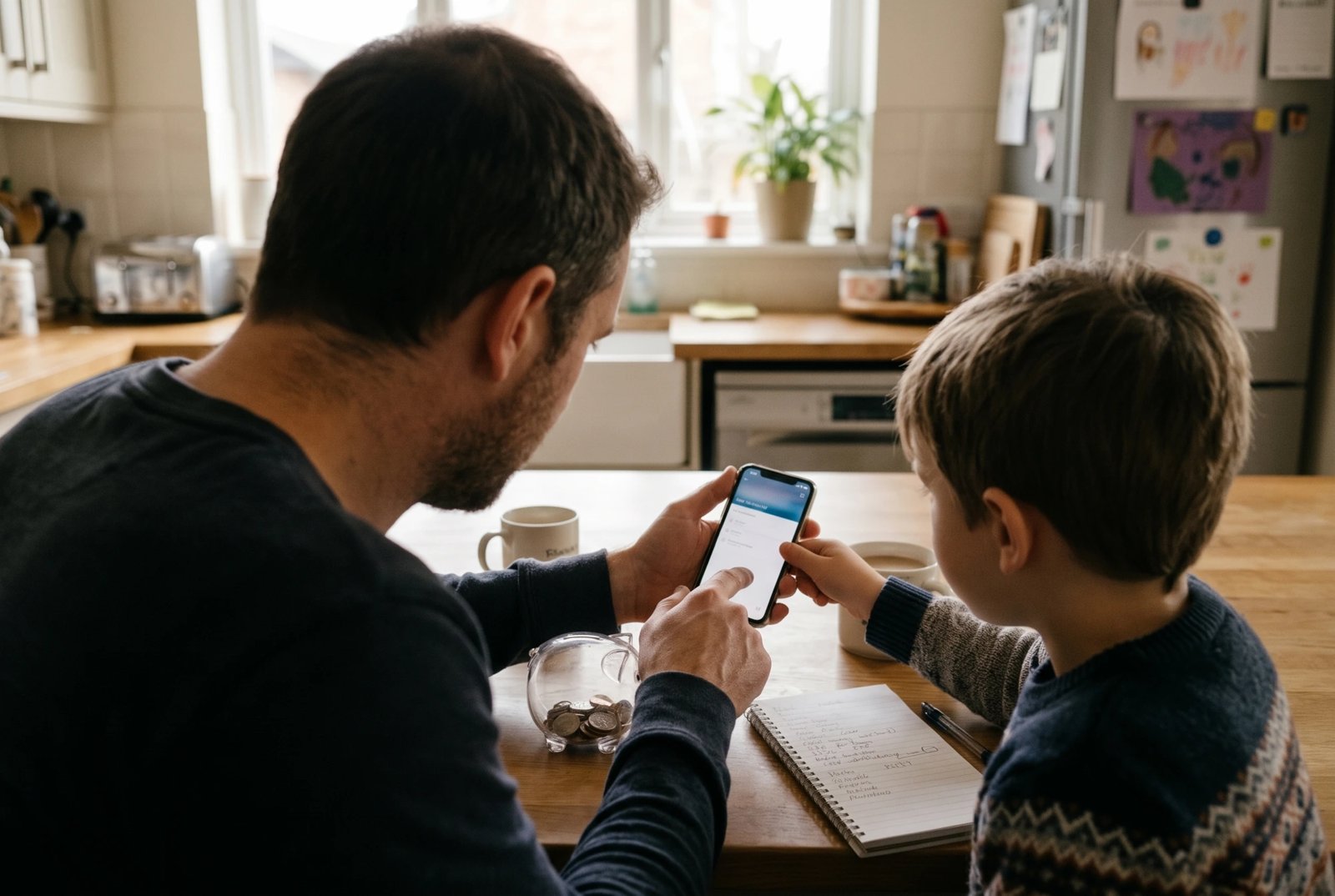
Long days with nothing planned tend to fill up with screens. A goal helps: something to save for, a project, a trip to plan. When there's something they want more, it's easier to put the screen down.
5. Make the January reset gentle
On the first school day, going straight back to the school-day limit can feel like a punishment. Bring it down over a week or two instead.
How BuckTime! helps over the break
BuckTime! has separate free time for school days and weekends, and you can set Buck Breaks, times like dinner when screen time costs double. Your child keeps a daily allowance by staying under their free screen time, and decides for themselves whether more is worth it. In January, set a goal and the free time steps down toward it a week at a time.
Whatever you use, the best holiday plan is the one your family agreed to together.
— Mark
Try it with your family
BuckTime! gives your child a daily allowance and lets screen time spend it. Whatever they don't spend, they keep. Free to download.
Get the app